Page 1 of 1
How to disable the background on Freeciv-GTK3?
Posted: Sun Sep 07, 2025 8:23 am
by happysmash27
I have just upgraded from an older version of Freeciv to a much newer version and the text is barely readable due to the bright background:
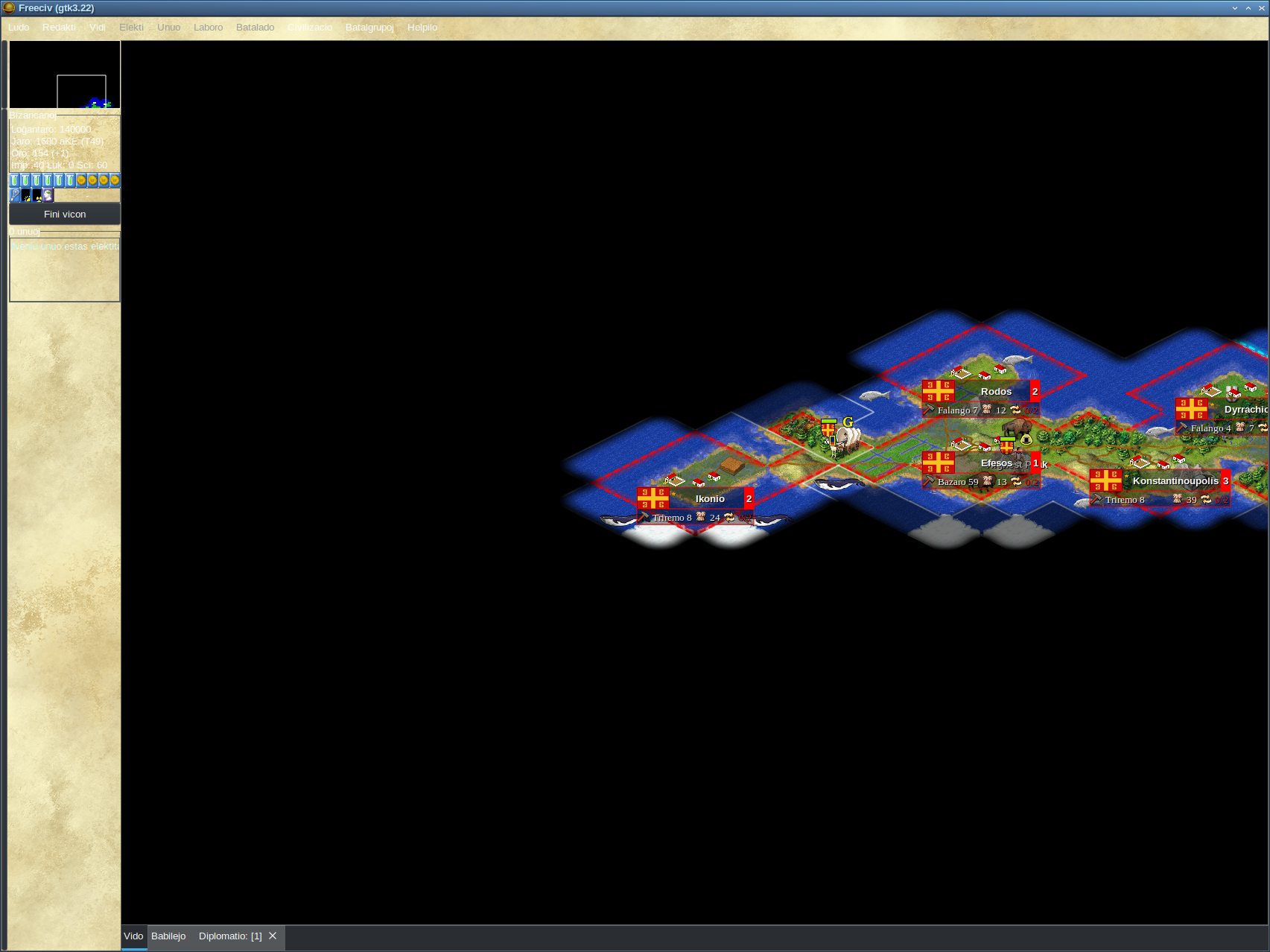
- 2025-09-07-012022_1705x1278_scrot.png (762.88 KiB) Viewed 60169 times
Is there any way to disable the background and just use the system theme for the background so that the text is readable?
Re: How to disable the background on Freeciv-GTK3?
Posted: Sun Sep 07, 2025 8:40 am
by cazfi
Does that light text (and dark buttons) come from a dark system theme?
Anyway, theme option is under Game -> Options -> Local Client -> Graphics -> Theme
Re: How to disable the background on Freeciv-GTK3?
Posted: Thu Jun 18, 2026 7:14 am
by RichardMMyers
happysmash27 wrote: ↑Sun Sep 07, 2025 8:23 am
I have just upgraded from an older version of Freeciv to a much newer version and the text is barely readable due to the bright background:
2025-09-07-012022_1705x1278_scrot.png
Is there any way to disable the background and just use the system theme for the background so that the text is readable?
Yes, in newer versions of Freeciv, this often happens because the user interface (UI) overrides the system colors. Try switching the client interface to a darker color scheme or enabling the “use system colors” option (if available in your build). Thanks!